

Last updated: · By Ryan Walsh
To create a secure admin username in WordPress, avoid default names like “admin” and don’t rely on common usernames. Instead, pick a unique username between 8 to 12 characters, mixing letters, numbers, and special characters. Reflect your brand without making it too obvious, and consider using a username generator for more options. Regularly updating your username can also bolster security. Curious about more strategies to enhance your WordPress site’s safety?
Why Your Admin Username Matters for Security
Your admin username plays an essential role in your site’s security, especially since it’s often the first target for attackers. By using common username patterns, you expose yourself to admin vulnerabilities that can lead to unauthorized access.
Hackers often employ brute force methods, and if your username is easily guessable, they gain a head start. Instead of settling for defaults like “admin” or “administrator,” opt for something unique and complex. A strong username can make it considerably harder for cybercriminals to breach your site. Additionally, implementing brute force protection ensures an extra layer of defense against unauthorized login attempts.
Common Mistakes When Choosing Usernames
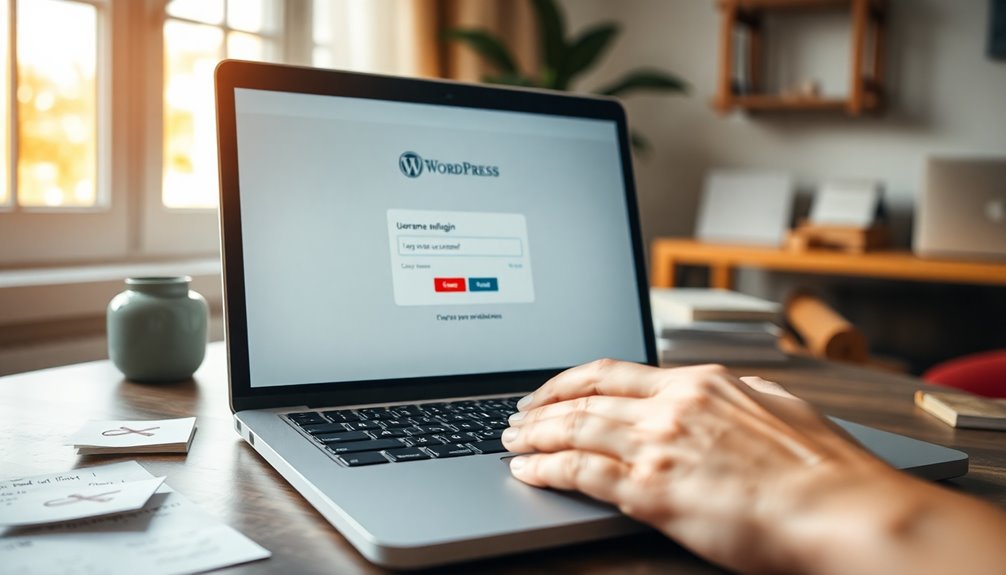
When choosing a username for your WordPress admin, it’s easy to fall into common traps.
Relying on default usernames or creating overly complicated combinations can compromise your site’s security. Additionally, robust security practices are essential to protect against potential cyber threats that target small businesses.
Let’s explore these mistakes and how to avoid them.
Using Default Usernames
Choosing a username like “admin” or “administrator” might seem convenient, but it actually opens your site up to unnecessary risks. Default usernames are incredibly common, making it easy for hackers to target your account.
When you use these generic names, you’re increasing your username vulnerabilities, as attackers can easily guess them. Instead, opt for a unique username that’s hard to predict. It doesn’t have to be overly complicated; just avoid the obvious choices.
By steering clear of default usernames, you add an important layer of security to your site. Remember, a strong username is your first line of defense against unauthorized access.
Take the time to create something original and secure. Your site’s safety depends on it!
Overly Complicated Combinations
While avoiding default usernames is a smart move, going to the other extreme and creating overly complicated combinations can be just as problematic. You might think that random combinations of letters, numbers, and symbols will boost your security, but they can actually confuse automated systems.
Stick to a username pattern that’s memorable but secure. Consider using a username generator to help you craft a unique name without going overboard.
Remember, it’s essential to pair your username with a secure password stored in a reliable password manager. Keep character limits in mind, too; overly long usernames can hinder user privacy and complicate security questions.
Simplifying your approach can enhance your site’s protection against hacker tactics.
How to Create a Unique Username
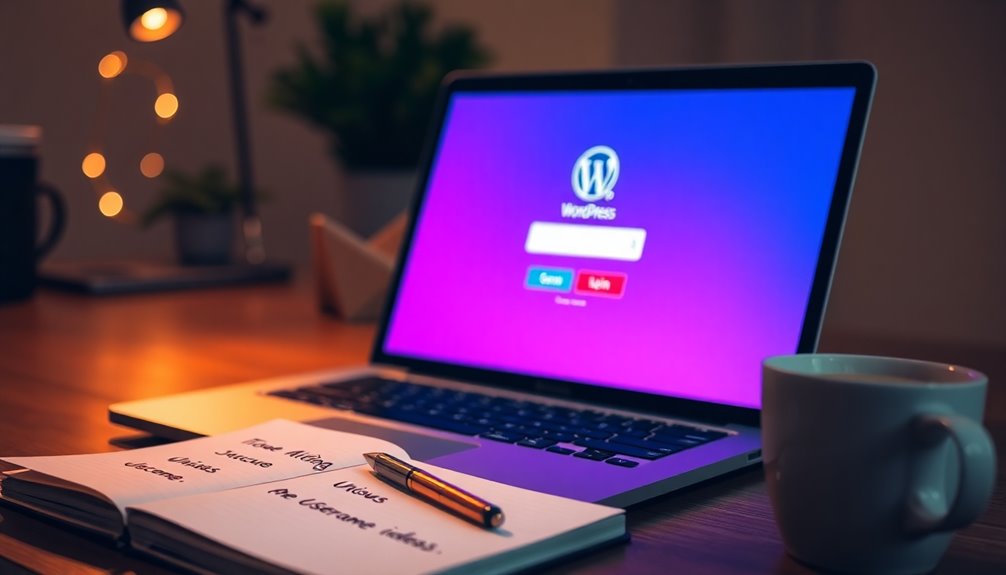
Creating a unique username is essential for keeping your WordPress site secure.
You’ll want to avoid common mistakes and follow some effective tips to stand out.
Let’s explore how to craft a username that not only protects your site but also reflects your identity. Implementing a strong password policy alongside a unique username can significantly enhance your site’s security.
Importance Of Unique Usernames
A unique username acts as your first line of defense in the digital landscape of WordPress. With cyber threats constantly evolving, using a common username can make you an easy target.
Username trends often favor simple, recognizable names, which can increase your vulnerability. By opting for something distinctive, you enhance your security.
Consider using username generators to help create a one-of-a-kind identifier. These tools can combine letters, numbers, and symbols to produce usernames that are both memorable and secure.
Remember, the more unique your username, the harder it’s for hackers to guess. A thoughtful approach to your username is an essential step in safeguarding your WordPress site.
Be proactive—your security depends on it!
Tips For Username Creation
When crafting a unique username, think beyond the ordinary and embrace creativity. Start by exploring various username patterns that stand out, like mixing your interests with your name.
Utilize username tools to generate ideas and help you create memorable usernames. Consider incorporating numbers or special characters to enhance username uniqueness while ensuring it remains easy to remember.
Pay attention to current username trends, as they can inspire fresh ideas. Additionally, follow secure naming conventions to avoid common pitfalls and enhance your profile’s security.
Avoid Common Username Mistakes
While many users opt for generic usernames like “admin” or “user123,” these choices can greatly compromise your site’s security. Sticking to username trends that are common makes it easier for hackers to gain access.
To create a unique username, avoid using easily guessable information like your name, birthdate, or site-related terms. Instead, mix letters and numbers creatively, and consider using a phrase or a combination of words.
Don’t fall for username myths that suggest complexity is unnecessary; a strong username is your first line of defense. Remember, the goal is to make it difficult for potential attackers, so take the time to craft a username that’s not only unique but also memorable for you.
Best Practices for Username Length and Complexity
Choosing the right username length and complexity is essential for securing your WordPress admin account. Aim for a username that’s at least 8 to 12 characters long; this makes it harder for attackers to guess.
Incorporate a mix of letters, numbers, and special characters to enhance complexity. During username validation, check for common patterns or easily guessable names—avoid using your name or “admin.”
When brainstorming, consider username suggestions that reflect your brand or niche but aren’t too obvious. Utilizing strong security plugins can further bolster your website’s protection against breaches and unauthorized access.
Avoiding Default Usernames: Why It’s Crucial
Avoiding default usernames is essential because they make it easier for attackers to gain access to your WordPress site. Default usernames, like “admin,” expose you to significant default risks, allowing hackers to exploit common username patterns.
By creating unique identifiers, you boost your username security and reduce admin vulnerabilities. This proactive step enhances your login protection and helps protect against identity theft.
Creating unique usernames strengthens your security and mitigates admin vulnerabilities, enhancing login protection against identity theft.
When you use a distinct username, you not only secure your site but also promote user accountability. It’s vital to understand that each layer of security, including a unique username, contributes to a more robust defense against potential breaches. Additionally, implementing security tools like Wordfence can further enhance your site’s protection against unauthorized access.
Don’t underestimate the importance of this simple yet effective measure in safeguarding your online presence.
The Role of User Roles in WordPress Security
User roles in WordPress play an essential part in enhancing your site’s security. By effectively managing user capabilities, you can create a robust permissions management system that minimizes risks.
Understanding the role hierarchy helps you assign the right roles, ensuring users have only the access they need.
Consider these key aspects:
- Access control: Limit user permissions to reduce vulnerabilities.
- User accountability: Track actions through regular user audits to identify potential issues.
- Security policies: Develop guidelines for role assignment to enforce best practices.
Additionally, implementing strong password policies is crucial in safeguarding user accounts against unauthorized access.
How to Change Your Admin Username Safely?
Managing user roles effectively sets the stage for better security practices, and one critical aspect of that’s your admin username.
To change your username safely, start by using a username management tool or plugin designed for WordPress. Avoid common username patterns that hackers easily guess.
Start by utilizing a username management tool for WordPress and steer clear of easily guessable username patterns.
Make user role adjustments as needed to limit access during this process. Guarantee robust password integration for added security and consider enabling multi-factor authentication.
After changing your username, conduct user audits to verify all settings are correct. For account recovery, keep your security training updated, so you know how to respond to potential issues. Additionally, ensure you have regular backups using reliable plugins like automated backups to protect your site’s data.
Finally, regularly review your access control measures to maintain a secure environment.
Tools and Plugins to Enhance Username Security
While it might seem straightforward, enhancing your WordPress username security requires the right tools and plugins.
To effectively manage your usernames and bolster security, consider these essential options:
- Security Plugins: Use plugins focused on user monitoring and implementing strong password policies.
- Username Audits: Regularly perform audits to check for weak usernames and assess user roles.
- Multi-Factor Authentication: Incorporate robust authentication methods to add an extra layer of security. Additionally, using backup solutions like real-time backups can help ensure that your site remains secure and recoverable in case of an incident.
These tools not only help with username management but also streamline account recovery processes.
Regularly Updating Your Username: Is It Necessary?
Is it really necessary to update your username regularly? While it might seem tedious, it’s an essential practice for effective username management. Changing your username can greatly enhance your site’s security implications, especially if your current one has been exposed or compromised.
Regular updates help prevent unauthorized access and keep potential attackers guessing. Consider setting a schedule to change your username every few months or after any security incident.
Additionally, avoid using easily guessable names or ones tied to personal information. Staying proactive not only safeguards your site but also reinforces good security habits. Implementing strong passwords and limiting user permissions can further reduce the risk of vulnerabilities in WordPress themes.
Conclusion
To sum up, choosing a secure admin username is essential for safeguarding your WordPress site. Did you know that 73% of all WordPress attacks target admin accounts? By avoiding common mistakes and adopting best practices, you can greatly reduce your risk. Remember, a unique and complex username paired with strong passwords and regular updates can make all the difference. Take these steps today, and fortify your website against potential threats!