

WordPress is free, open-source software that lets you build and manage a website without writing code from scratch. In plain terms, it is a content management system (CMS), meaning a program that stores your pages and posts and gives you a visual dashboard to edit them. WordPress is used for blogs, business websites, online stores, portfolios, and membership sites, and it is one of the most common choices for beginners who want to update their own site.
Key Takeaways
- WordPress is free, open-source software that you can use to build and manage websites without learning to code.
- According to W3Techs’ November 2026 snapshot, WordPress runs 58.2% of websites with a known content management system and 39.5% of all websites.
- WordPress is used for blogs, business sites, online stores, portfolios, and membership sites, often extended with plugins and themes.
- WordPress.org is self-hosted software you install yourself, while WordPress.com is a hosted service that handles setup and hosting for you.
- Themes control how your site looks and plugins add features, so it is worth understanding both before you start.
What Is WordPress?
WordPress is a free, open-source CMS, which is software that separates your content from the code that displays it. You write a page in a visual editor, and WordPress handles the underlying HTML, the database that stores your text and images, and the page layout. Open-source means the code is publicly available and can be used, modified, and shared under the GPL license.
The software began in 2003 as a blogging tool and has since grown into a general-purpose website platform. Its core features include posts, pages, a media library, user accounts with different permission levels, and a plugin system for adding new functions. Because the core is shared by everyone who uses it, updates and improvements reach a large community of users and developers.
How Popular Is WordPress?
WordPress is the most widely used content management system on the web, according to W3Techs, a site that tracks web technology usage. In its November 2026 snapshot, WordPress powered 58.2% of websites with a known CMS and 39.5% of all websites. You can review the full figures in the W3Techs usage statistics for WordPress.
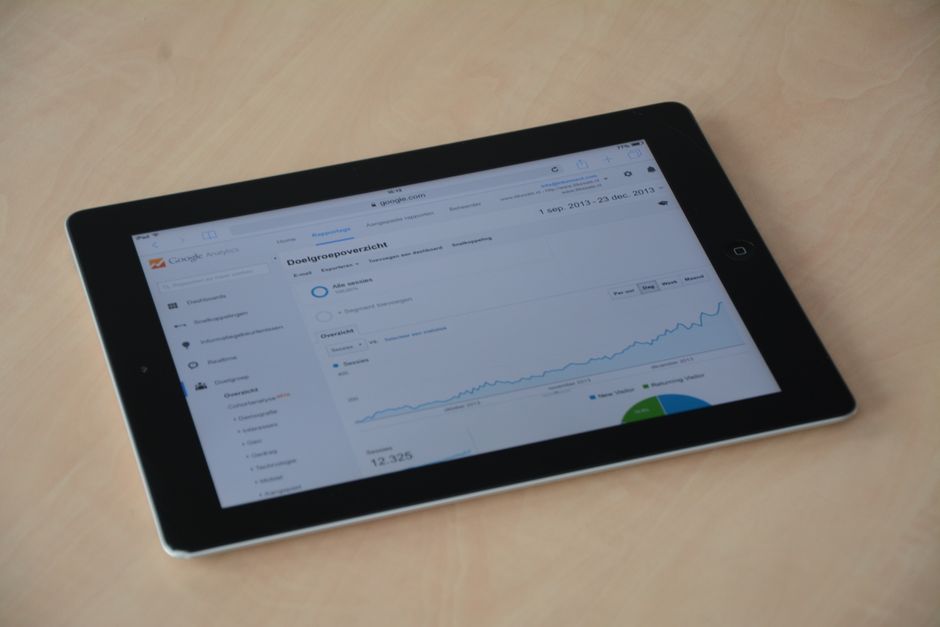
That share matters for beginners because a widely used platform means more themes, more plugins, more tutorials, and more developers who already know the software. Popularity also makes WordPress a frequent target for attackers, so you should treat security as part of everyday maintenance. Keeping software updated and using strong passwords are the habits that matter most.
What Is WordPress Used For?
WordPress is used to publish and manage almost any kind of website, from a personal blog to a large online store or a company site. Its flexibility comes from themes that control design and plugins that add features. The most common uses fall into a few broad categories.
Blogs and Content Sites
Blogging was WordPress’s original purpose, and it remains a strong fit. You can publish posts with categories and tags, schedule articles for future dates, and manage comments from one dashboard. Many news sites, magazines, and niche content sites run on WordPress.
Business and Portfolio Websites
Small businesses use WordPress for service pages, contact forms, and customer testimonials. Designers, photographers, and writers use it to showcase their work. You can build pages such as About, Services, and Contact with the block editor and a theme, then update them whenever your details change.
Online Stores
WordPress can sell products through WooCommerce, a free plugin that adds product pages, shopping carts, and checkout. Store owners typically pay separately for hosting, payment processing, and some extensions. Product pages can be edited like any other content, which keeps the site consistent.
Membership and Community Sites
Some sites restrict content to logged-in members, sell subscriptions, or host online courses. WordPress handles this with user roles and membership plugins. Assign roles carefully so people see only the content and tools they need.
How Does WordPress Work?
WordPress works by combining four parts: the core software, a theme for design, plugins for extra features, and a database that stores your content. You manage everything through a dashboard in your web browser. Visitors never see the dashboard; they see the finished pages your theme displays.

The theme controls how your site looks, including layout, fonts, colors, and the header and footer. Changing themes changes the appearance of your site without rewriting your content. To learn more, read a simple explanation of WordPress themes and how to choose one.
A plugin is an add-on that adds a specific feature, such as a contact form, an online store, or a backup tool. You can install only the plugins you need, which keeps your site lighter and easier to maintain. Read how WordPress plugins work and which ones to install for more detail.
You create content with the block editor, which builds pages from blocks such as headings, images, buttons, and columns. Each block is a self-contained piece you can move or restyle. If you want to get more out of it, see a guide to using the WordPress block editor effectively.
How Do You Start Using WordPress?
To start, you need a domain name, web hosting, and a WordPress installation. Many hosts offer one-click installs that set up the software for you. The steps below cover the typical path for a new site.
- Choose a domain name that matches your topic or business name.
- Pick a web host and a plan that supports WordPress. Compare options in our guide to hosting options for WordPress websites before you buy.
- Install WordPress, either through your host’s one-click installer or manually.
- Log in to the dashboard, set your site title and permalink structure, and remove any default sample content.
- Activate a theme and customize its header, menus, and colors.
- Add only the plugins you need, and keep them updated.
WordPress.org vs WordPress.com: Which Should You Use?
WordPress.org provides the free, self-hosted software, while WordPress.com is a hosted service run by Automattic, the company behind WordPress.com. With WordPress.org, you choose your host and handle updates, backups, and security. With WordPress.com, the service hosts the site and manages much of the infrastructure, but features depend on your plan.
| Feature | WordPress.org (self-hosted) | WordPress.com (hosted) |
|---|---|---|
| Hosting | You choose and pay a host | Included in your plan |
| Plugins | Install any compatible plugin | Limited, depending on plan tier |
| Themes | Large library of free and paid options | Selection depends on plan |
| Control | Full control of files and code | Limited by plan |
| Maintenance | You handle updates, backups, and security | Largely handled for you |
Choose WordPress.org if you want full control and are willing to manage hosting. Choose WordPress.com if you want the simplest start and fewer technical tasks. Both use a similar editor, so the writing and layout skills you learn carry over.
What Are the Pros and Cons of WordPress?
WordPress is flexible, inexpensive to start, and widely supported, but it requires ongoing maintenance and careful choices about plugins. Weigh these points against what your site needs before you commit.
Pros
- The core software is free, and you can choose from many free and paid themes and plugins.
- Its large user base means abundant tutorials, support forums, and experienced developers.
- You can publish and update content without coding, and the block editor keeps layouts manageable.
Cons
- Self-hosted sites need regular updates to the core software, themes, and plugins.
- Too many plugins can slow a site, and poorly maintained ones can create security gaps.
- On a self-hosted install, security is your responsibility, so strong passwords, backups, and updates matter. Read our essential WordPress security practices for 2026 for a practical checklist.
Frequently Asked Questions
Is WordPress free to use?
The WordPress software is free to download and use under the GPL license. If you self-host, you still pay for a domain name and hosting. Premium themes, plugins, and WordPress.com plans may cost extra, so your total cost depends on the features you need.
Do I need to know how to code to use WordPress?
No. You can write, publish, and design pages with the block editor and theme settings without coding. Code knowledge helps when you want custom changes, but beginners can accomplish a lot without it.
Is WordPress the same as WordPress.com?
No. WordPress.org is the software you install yourself, and WordPress.com is a hosted service built on that software. Both use similar editors, but they differ in hosting, control, and plugin access.
Is WordPress secure?
WordPress can be secure when it is kept updated and configured well. Use strong passwords, keep plugins and themes current, enable regular backups, and limit user access to what each person needs. Security depends largely on how you maintain the site.
Can WordPress be used for an online store?
Yes. Plugins such as WooCommerce add product pages, carts, and checkout to a WordPress site. Plan for hosting, payment fees, and ongoing maintenance of your store plugins before you launch.
Final Thoughts on What WordPress Is Used For
In short, WordPress is a free, open-source platform for building blogs, business websites, portfolios, online stores, and membership sites. Its popularity, with W3Techs reporting it on 39.5% of all websites in November 2026, means plenty of support is available as you learn. Start with a clear goal, choose a sensible host, and add themes and plugins only when your site needs them.